Sigma Online User Manual
Schedule Management Activity - Maintaining Data Monitoring Schedules
- Kim Blake
Data Monitoring Schedules show in the Strategy Configuration tab in the Data Monitoring Activity and in the Schedule Management Activity.
They can be viewed and amended in both Activities, but Schedule Management Activity also allows you to manually run the Strategy as and when required.
Click here for details on how to maintain the data using the Data Monitoring Activity.
This section shows how to maintain the data using the Schedule Management Activity.
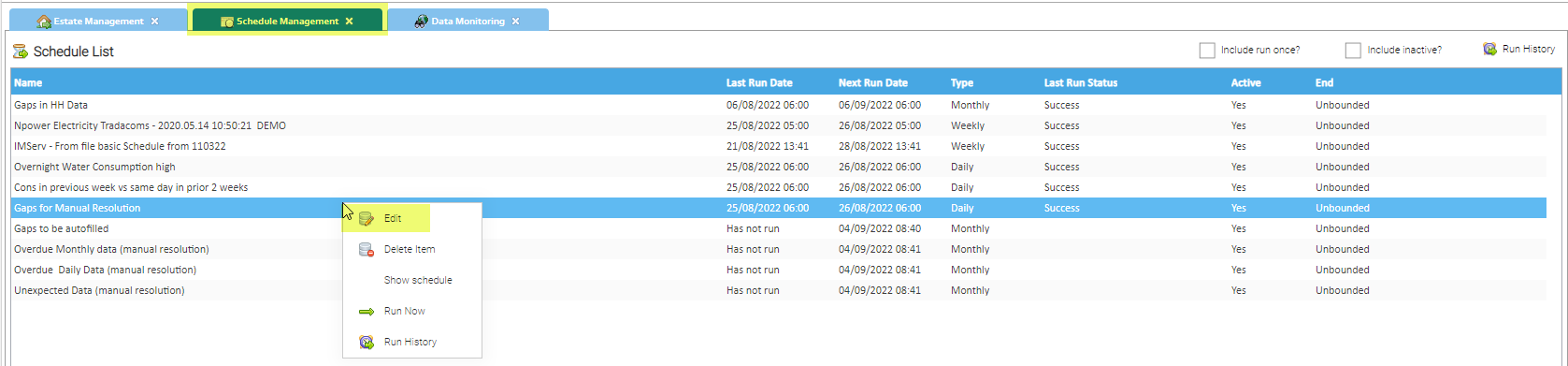
Viewing/Editing Data Monitoring Strategies
- Open the Schedule Management Activity
- Right click on the Strategy > Edit
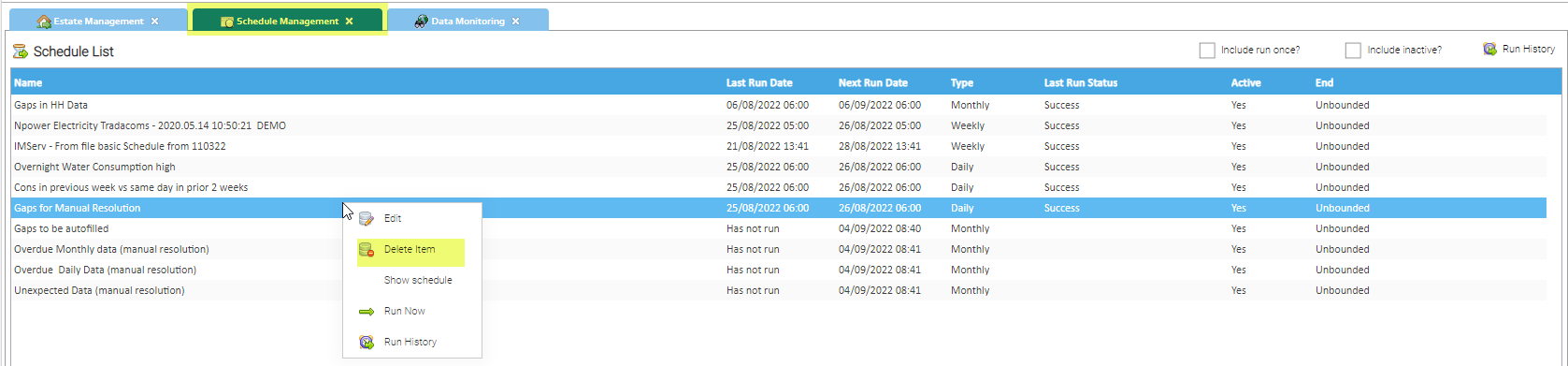
Deleting Data Monitoring Strategies
- Open the Schedule Management Activity
- Right click on the Strategy > Delete Item
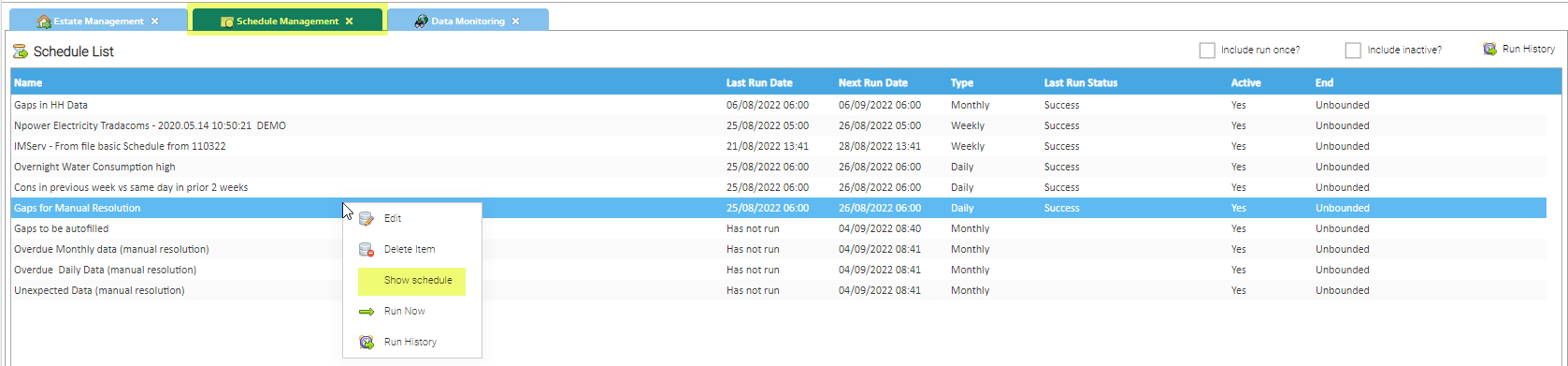
Showing Data Monitoring Strategies
- Open the Schedule Management Activity
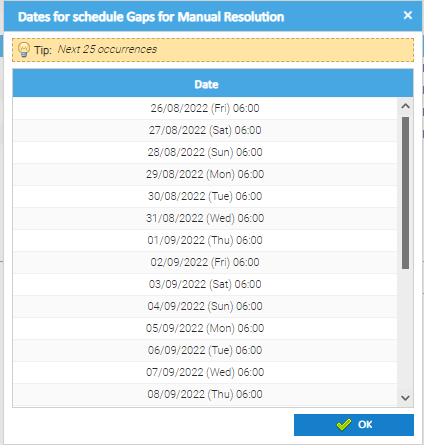
- Right click on the Strategy > Show Strategy
- The schedule popup appears
Showing the Run History Data
- Open the Schedule Management Activity
- Right click on the Strategy > Run History
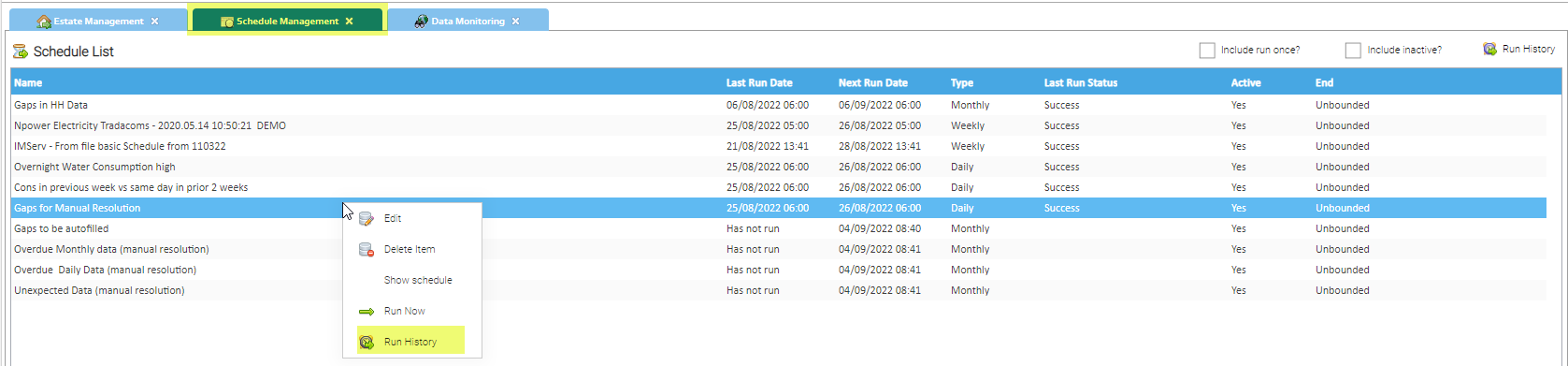
The Run History popup appears

Manually Running the Strategies
Click here for details on how to manually run the Strategies
Related content
@ Copyright TEAM - Energy Auditing Agency Limited Registered Number 1916768 Website: www.teamenergy.com Telephone: +44 (0)1908 690018